

Download 3 Seconds – Live Photo-Sharing Software, Free Photo Tool, Mobile Community App
Overview
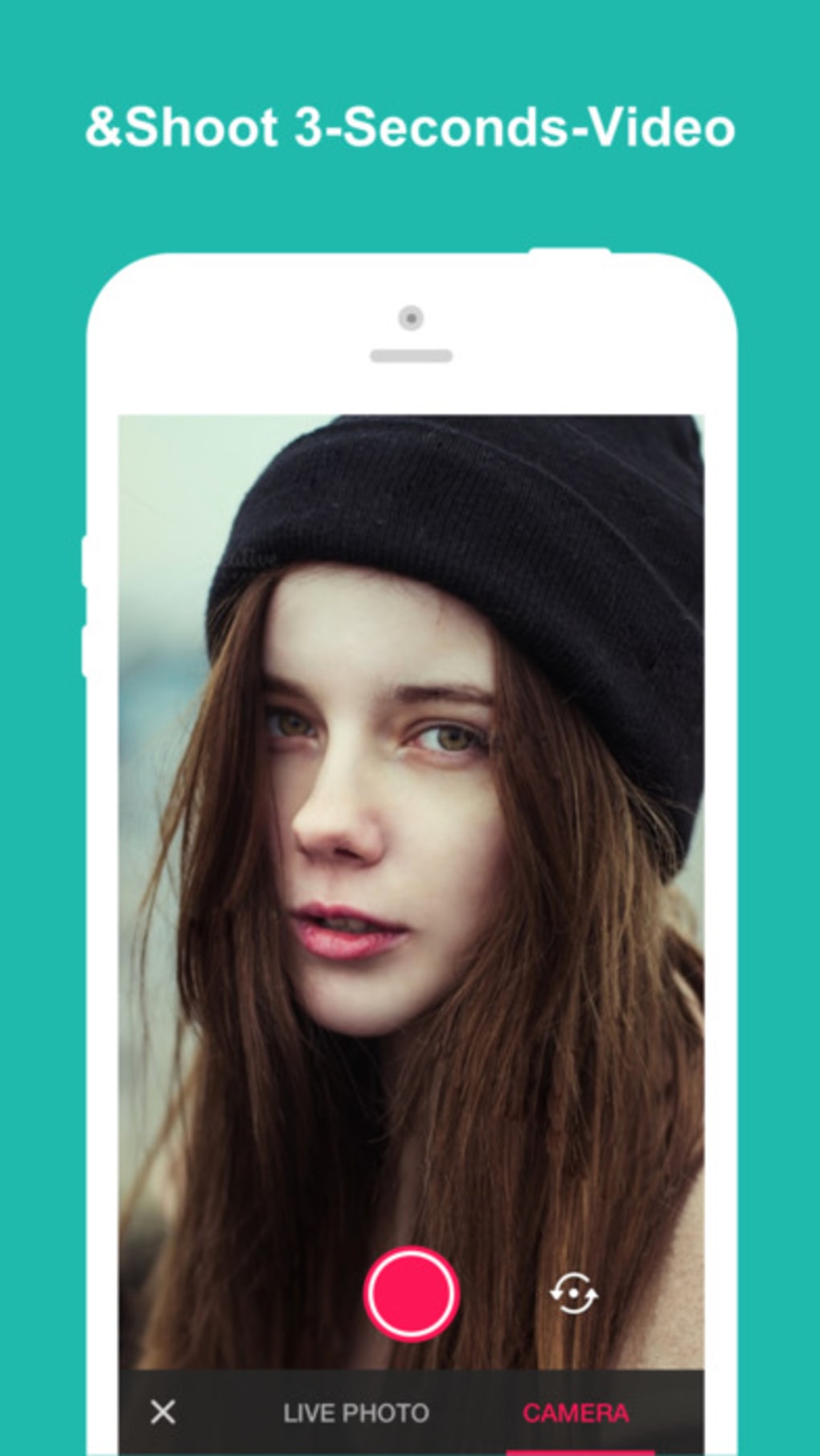
3 Seconds – Your Live Photo Community is a free desktop and mobile application designed to facilitate real-time sharing of live photos and short video clips. The software enables users to capture and share three-second video moments, creating a dynamic visual experience that goes beyond static images. It is intended for individuals who value spontaneous, authentic content sharing within a close-knit community. The app functions as a dedicated platform for live photo exchange, allowing users to upload, view, and interact with short-form visual content from others. It supports direct integration with device galleries, enabling quick and seamless sharing by dragging or copying media files into the platform.
Target users include casual photographers, social content creators, and individuals who enjoy sharing fleeting moments with friends and family. The software is built with a focus on simplicity and immediacy, making it ideal for users seeking a lightweight alternative to mainstream social media platforms. The developer, 3 Seconds Inc., has positioned the app as a community-driven tool that emphasizes privacy and real-time interaction. While the software is free to use, a premium version is available with enhanced features. The application was released on January 20, 2024, and is accessible via official channels for download.
Key Features & Capabilities
- Live Photo Sharing – Users can upload and share three-second video clips that capture dynamic moments, offering a more immersive experience than static images.
- Gallery Integration – Media files from device galleries can be easily transferred into the platform using drag-and-drop or copy-paste functionality.
- Community Interaction – Users can browse through the galleries of friends and family, viewing their uploaded live photos and videos in a continuous feed.
- Image Filters – The app includes built-in filters to enhance visual appeal and personalize shared content, with additional options available in the premium version.
- Multi-Platform Compatibility – The software is designed to function across multiple mobile devices, supporting cross-device access for consistent user experience.
- Export to Social Media – Shared content can be exported directly to popular platforms like Facebook, enabling broader distribution beyond the core community.
These features support real-world use cases such as sharing travel moments, family events, or spontaneous daily experiences. The drag-and-drop gallery integration streamlines the workflow, reducing steps between content creation and sharing. The ability to view live video feeds without interruptions in the premium version enhances engagement for users who prioritize uninterrupted visual storytelling. The app’s lightweight design, with a file size of 21.5 megabytes, ensures minimal storage impact, making it suitable for devices with limited space.
User Interface, Workflow & Performance
The user interface of 3 Seconds – Your Live Photo Community is designed for intuitive navigation, focusing on speed and simplicity. The layout prioritizes content visibility, with a central feed displaying live photo and video uploads from connected users. Navigation is streamlined through bottom or side-based menus, depending on the device, allowing quick access to the gallery, community feed, and settings. The workflow emphasizes minimal steps between capturing a moment and sharing it, aligning with the app’s core philosophy of immediacy.
Users can expect a responsive interface when interacting with media, though specific performance data such as CPU or RAM usage was not provided. The developer did not specify resource usage details. General software behavior patterns suggest stable performance under typical usage conditions, particularly given the app’s lightweight footprint. The software is reported to have addressed functionality issues in the newer version (1.2.0), indicating ongoing refinement of user experience and stability. While no benchmarks were shared, the app’s small size and focus on basic media sharing suggest efficient operation on standard mobile hardware.
Compatibility & System Requirements
3 Seconds – Your Live Photo Community is designed to operate across multiple mobile devices, though specific operating systems were not detailed in the provided information. The software version is listed as 1.2.0, and the installation size is 21.5 megabytes. The developer did not provide additional system requirements, such as minimum RAM, processor specifications, or storage space beyond the file size. Compatibility information was partially provided, with no mention of desktop OS support despite the term “desktop application” appearing in the description.
Users should verify device compatibility before installation. The lack of detailed system requirements means that performance on specific devices may vary. The software is available for download from the official website, and the latest version was released on January 20, 2024. For users seeking clarity on supported platforms, direct consultation with the developer’s official resources is recommended.
Pros and Cons
Pros
- Free to use with optional premium upgrade for enhanced features
- Lightweight design at only 21.5 MB, minimizing storage impact
- Simple drag-and-drop gallery integration for fast sharing
- Supports live video sharing for dynamic content
- Includes filters to enhance visual appeal of shared media
- Allows export to major social platforms like Facebook
Cons
- Exact system requirements were not listed
- Platform compatibility details are limited
- Performance and resource usage were not specified
- Desktop application functionality is unclear despite mention in description
- No information on data privacy or security protocols
FAQ Section
Is 3 Seconds available for desktop computers?
The description mentions a desktop application, but specific operating system support was not provided. Users should check the official website for compatibility details.
Is the software safe to download and use?
3 Seconds – Your Live Photo Community is available for download from the official website. As with any third-party software, users should ensure they are downloading from verified sources to maintain security.
Does the app require an internet connection?
Yes, since the software is designed for live photo sharing and community interaction, an active internet connection is required to upload, view, and interact with content.
Can I use 3 Seconds without upgrading to the premium version?
Yes, the app is free to use with core features available in the basic version. The premium version offers additional filters and uninterrupted live video viewing.
How often are updates released?
The latest version, 1.2.0, was released on January 20, 2024. The developer has addressed functionality issues in recent updates, indicating regular maintenance and improvements.
Final Thoughts + CTA
3 Seconds – Your Live Photo Community presents a focused, lightweight solution for users who want to share dynamic, three-second moments with a trusted network. Its simple interface, gallery integration, and community-based approach make it ideal for casual users and visual storytellers. While detailed system requirements and performance data are not available, the app’s small file size and reported improvements in version 1.2.0 suggest efficient operation. The inclusion of filters and export options adds versatility, and the free model with optional premium upgrades offers flexibility.
Although some aspects like desktop compatibility and resource usage remain unclear, the app’s core functionality is well-defined and practical. For individuals seeking a fast, secure, and straightforward way to share live photos, 3 Seconds delivers a compelling experience. Download 3 Seconds now to start sharing your moments in real time.







